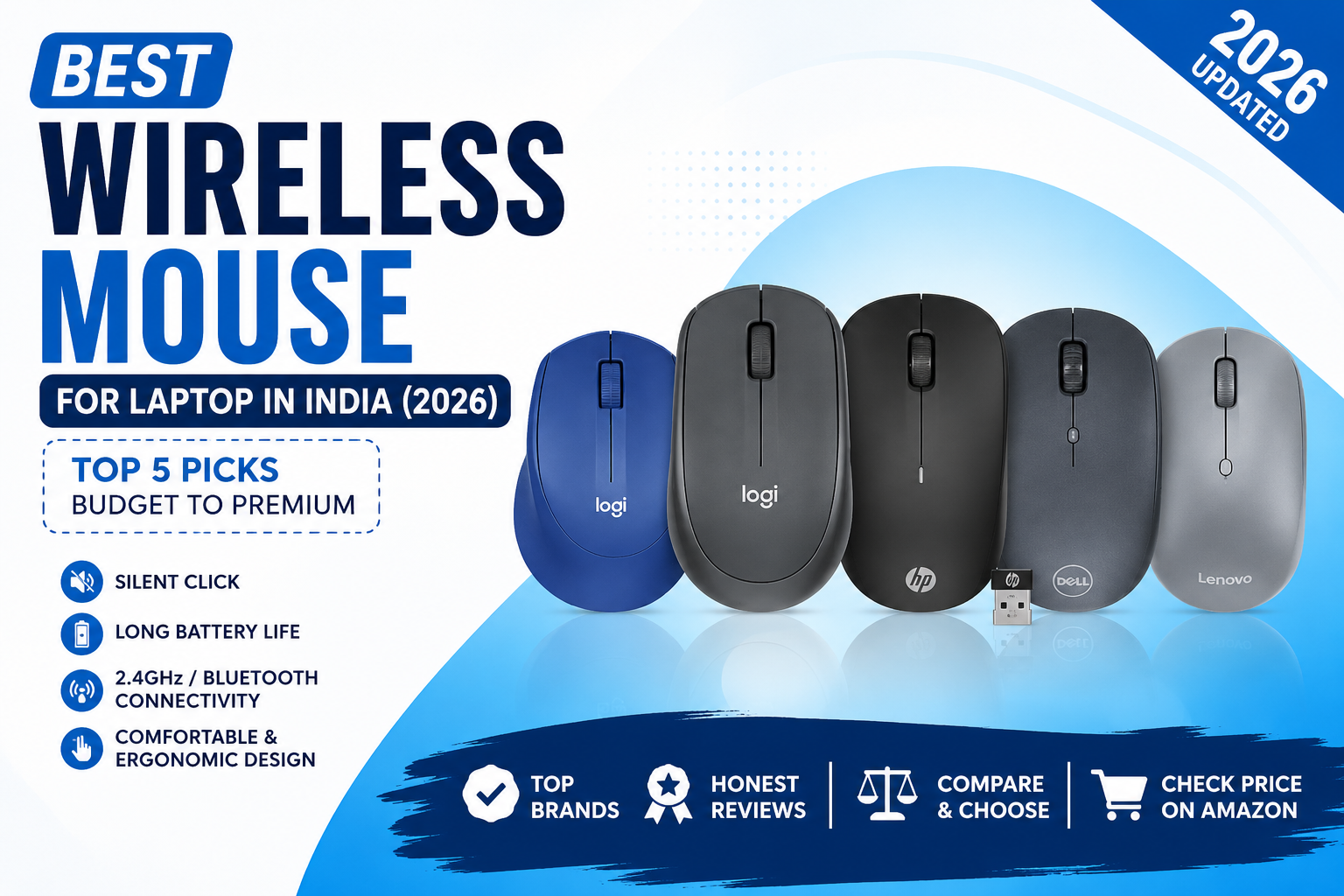
A good wireless mouse makes everyday work more comfortable, whether you’re working from home, studying, or gaming. Compared to a laptop touchpad, a wireless mouse offers better precision, faster navigation, and less strain on your wrist.
In this guide, we’ve reviewed the 5 best wireless mouse for laptops in India based on comfort, battery life, build quality, and value for money.
Quick Comparison Table
| Product | Connectivity | DPI | Battery | Best For |
|---|---|---|---|---|
| Logitech M331 Silent Plus | 2.4GHz USB | 1000 | 24 Months | Office & Students |
| Logitech M240 Silent | Bluetooth | 4000 | 18 Months | MacBook & Bluetooth Users |
| HP X200 Wireless Mouse | 2.4GHz USB | 1600 | Long-lasting | Budget Users |
| Dell WM126 | 2.4GHz USB | 1000 | 12 Months | Everyday Use |
| Lenovo 600 | Dual Mode | 2400 | Rechargeable | Professionals |
Top 5 Best Wireless Mouse for Laptop
1. Logitech M331 Silent Plus Wireless Mouse
Best Overall Choice
The Logitech M331 Silent Plus is a quiet, comfortable, and reliable wireless mouse, making it an excellent choice for office work, study, and everyday use.
Key Features
- SilentTouch technology reduces click noise by over 90%.
- 2.4 GHz wireless connection with a USB receiver.
- 1000 DPI optical tracking for smooth cursor control.
- Up to 24 months of battery life.
- Comfortable ergonomic design for both left and right-handed users.
- Compatible with Windows, macOS, ChromeOS, and Linux.
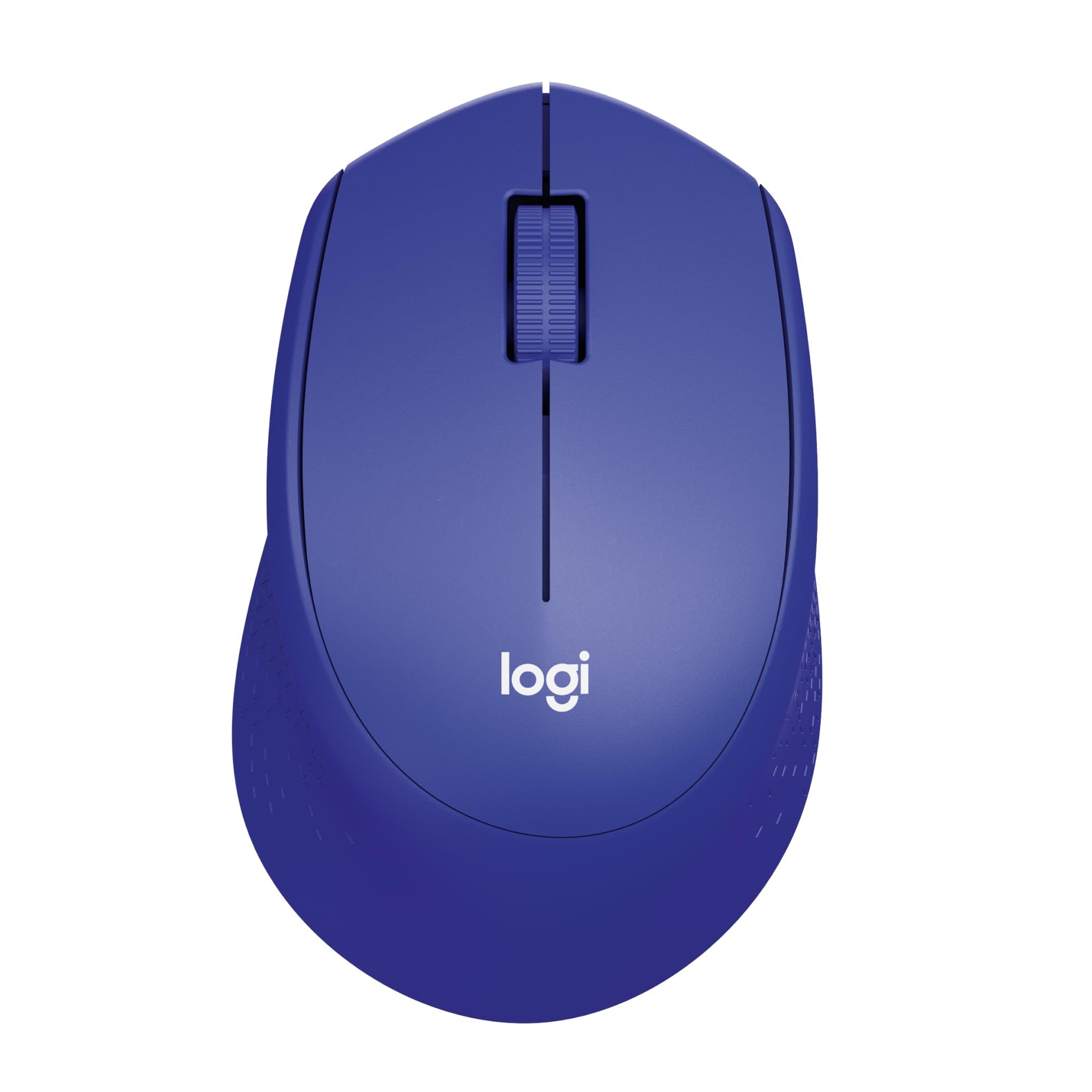
Silent clicks
Ergonomic design
18-month battery
Optical tracking
10 m wireless
Windows/macOS/Linux
Best For
Office work, students, and everyday productivity.
2. Logitech M240 Silent Bluetooth Mouse
Best Bluetooth Mouse
The Logitech M240 Silent is a compact Bluetooth mouse designed for laptops and tablets without requiring a USB receiver.
Key Features
- Bluetooth connectivity without a USB dongle.
- Silent clicks for distraction-free work.
- Compact and lightweight design.
- Up to 18 months of battery life.
- Smooth optical tracking up to 4000 DPI.
- Compatible with Windows, macOS, ChromeOS, Android, and iPadOS.
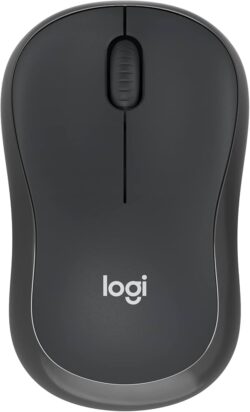
Bluetooth connectivity
90% quieter clicks
10 m wireless range
Compact design
Travel-friendly
Multi-platform support
Chromebook certified
Best For
MacBook users, Bluetooth laptops, and travel.
3. HP X200 Wireless Mouse
Best Budget Pick
The HP X200 Wireless Mouse offers reliable performance, comfortable handling, and excellent value at an affordable price.
Key Features
- 2.4 GHz wireless USB receiver.
- 1600 DPI optical sensor.
- Ergonomic ambidextrous design.
- Lightweight and easy to carry.
- Plug-and-play installation.
- Compatible with Windows and macOS.
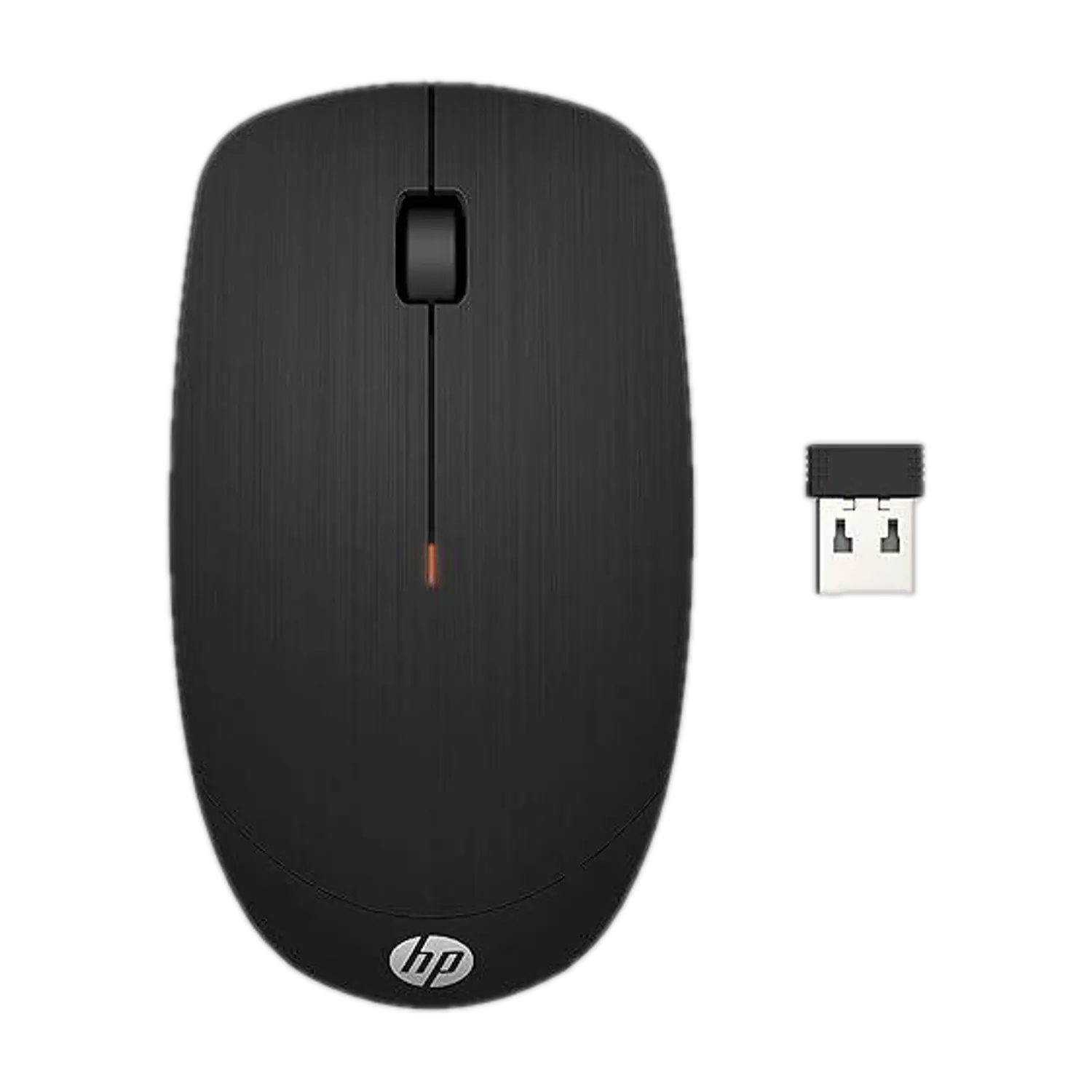
2.4GHz wireless
18-month battery
Up to 1600 DPI
Ambidextrous design
Windows & macOS
Lag-free performance
3-year warranty
Best For
Students and budget-conscious users.
4. Dell WM126 Wireless Mouse
Reliable Everyday Mouse
The Dell WM126 Wireless Mouse delivers dependable performance with a comfortable design for everyday computing tasks.
Key Features
- 2.4 GHz wireless USB receiver.
- 1000 DPI optical tracking.
- Comfortable full-size design.
- Up to 12 months of battery life.
- Plug-and-play setup.
- Compatible with Windows, Linux, and ChromeOS.
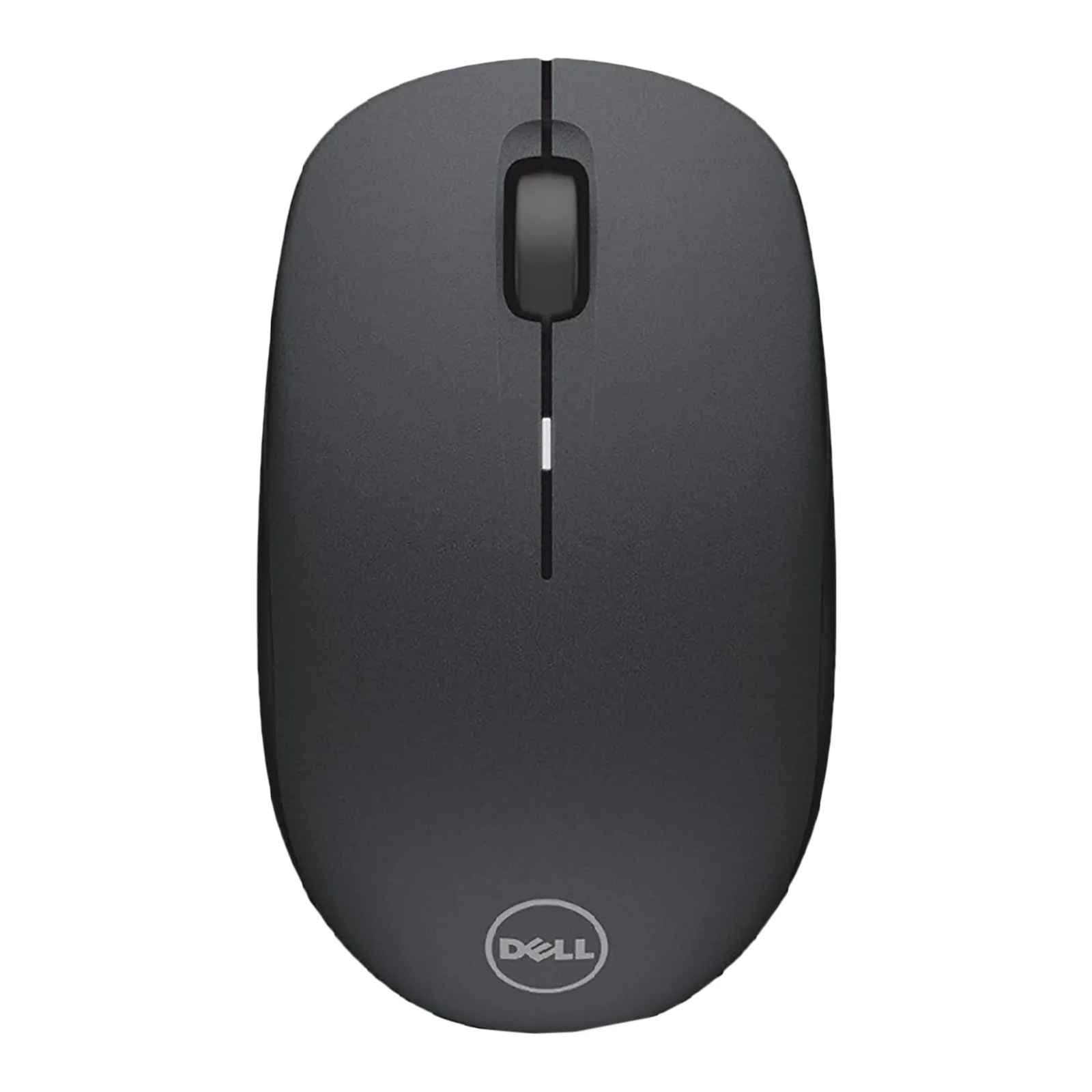
Wireless connectivity
Home & office use
1-year battery life
Ambidextrous design
3-button mouse
Connect up to 6 devices
Windows, Linux & ChromeOS compatible
Best For
Daily office work and home use.
5. Lenovo 600 Wireless Mouse
Best Premium Choice
The Lenovo 600 Wireless Mouse combines dual-mode connectivity, premium design, and rechargeable convenience for professionals.
Key Features
- Dual-mode (Bluetooth + 2.4 GHz wireless).
- Rechargeable battery.
- Adjustable DPI up to 2400.
- Ergonomic design.
- Smooth and accurate tracking.
- Compatible with Windows and macOS.

Silent buttons
Compact design
Blue optical sensor
Up to 2400 DPI
Dual-device Bluetooth
Swift Pair support
12-month battery
Windows & ChromeOS compatible
Best For
Professionals, multitasking users, and premium laptop setups.
Buying Guide
- Choose a comfortable grip for long working hours.
- Look for silent clicks if you work in quiet environments.
- Select a mouse with at least 12 months of battery life.
- Consider adjustable DPI for better cursor control.
- Choose Bluetooth or USB connectivity based on your laptop.
Frequently Asked Questions
Q1. Which wireless mouse is best for office work?
The Logitech M331 Silent Plus is an excellent choice due to its silent clicks and comfortable design.
Q2. Is Bluetooth better than a USB wireless mouse?
Bluetooth saves a USB port, while USB wireless mice are easy to set up and compatible with most laptops.
Q3. Which mouse offers the best value for money?
The HP X200 Wireless Mouse offers excellent performance at an affordable price.
Q4. Can I use a wireless mouse for gaming?
Yes, but casual gaming is better suited than competitive gaming unless you choose a dedicated gaming mouse.
Final Verdict
If you want the best overall wireless mouse, the Logitech M331 Silent Plus is our top recommendation for its comfort, silent operation, and long battery life.
If you’re looking for the best budget option, the HP X200 Wireless Mouse is an excellent value-for-money choice.
For users who prefer Bluetooth connectivity, the Logitech M240 Silent is a great option.
Related Article: Best Laptop Stand for Table in India (2026)